

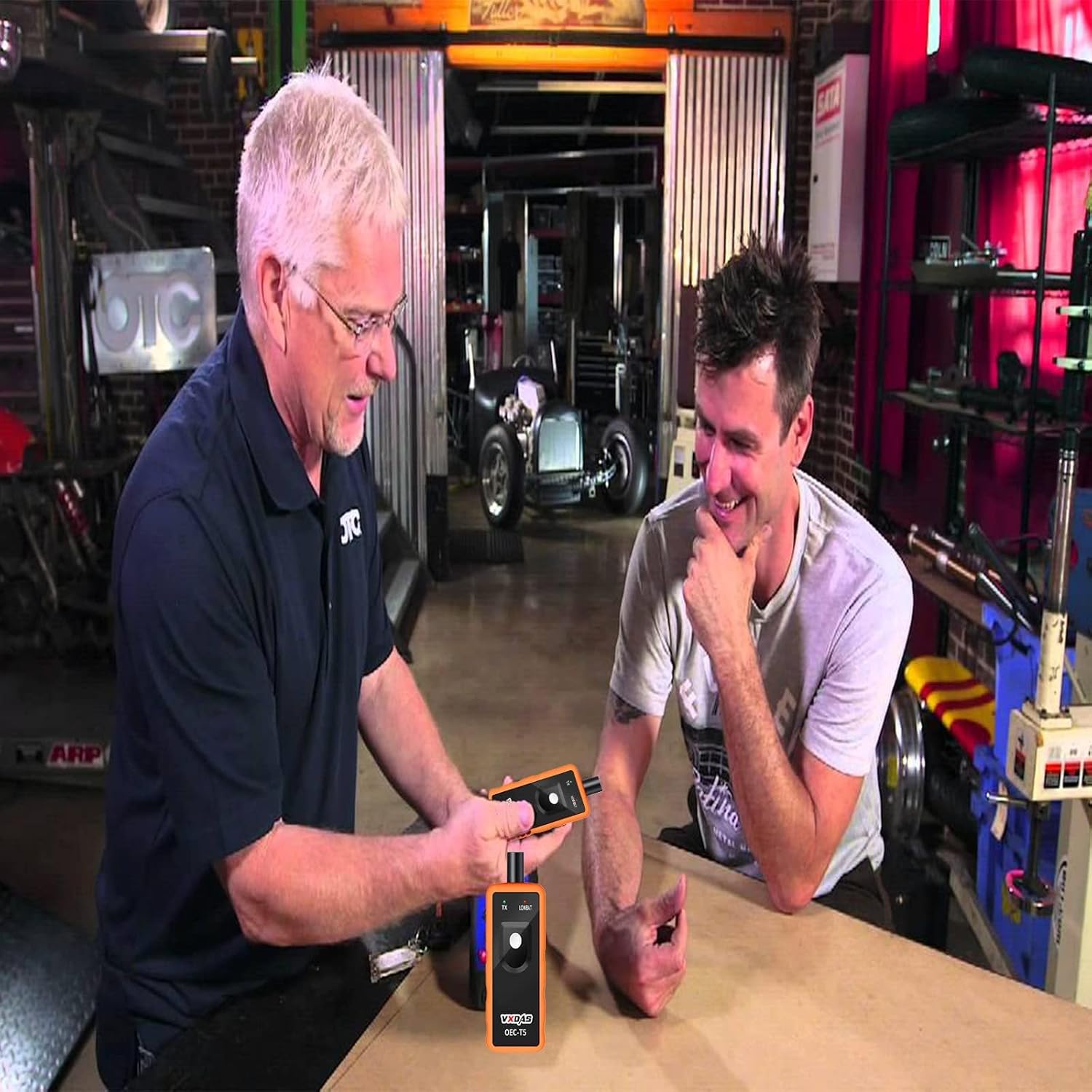
Looking for a fast and reliable way to reset TPMS sensors on your GM vehicle without costly dealer visits?

Quick verdict
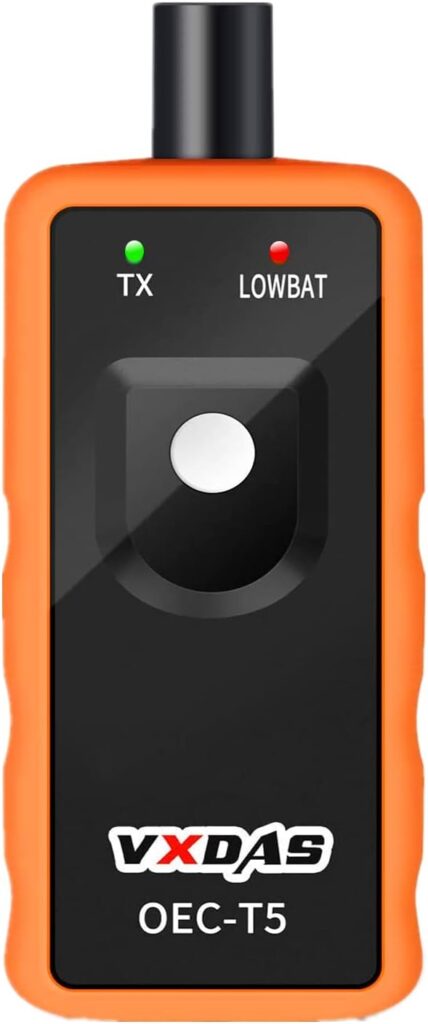
You’ll find the VXDAS TPMS Relearn Tool Only for GM Vehicles (2006-2024 Chevy/Buick/GMC/Opel/Cadillac) Original Sensor with 315/433 MHz, Tire Sensors Pressure Monitor System Reset Tool OEC-T5-2025 Edition to be a focused, no-frills solution that targets GM vehicles using 315/433 MHz OEM sensors. If your goal is to save time and money when replacing or reprogramming factory-style sensors, this tool is efficient and purpose-built for that task.
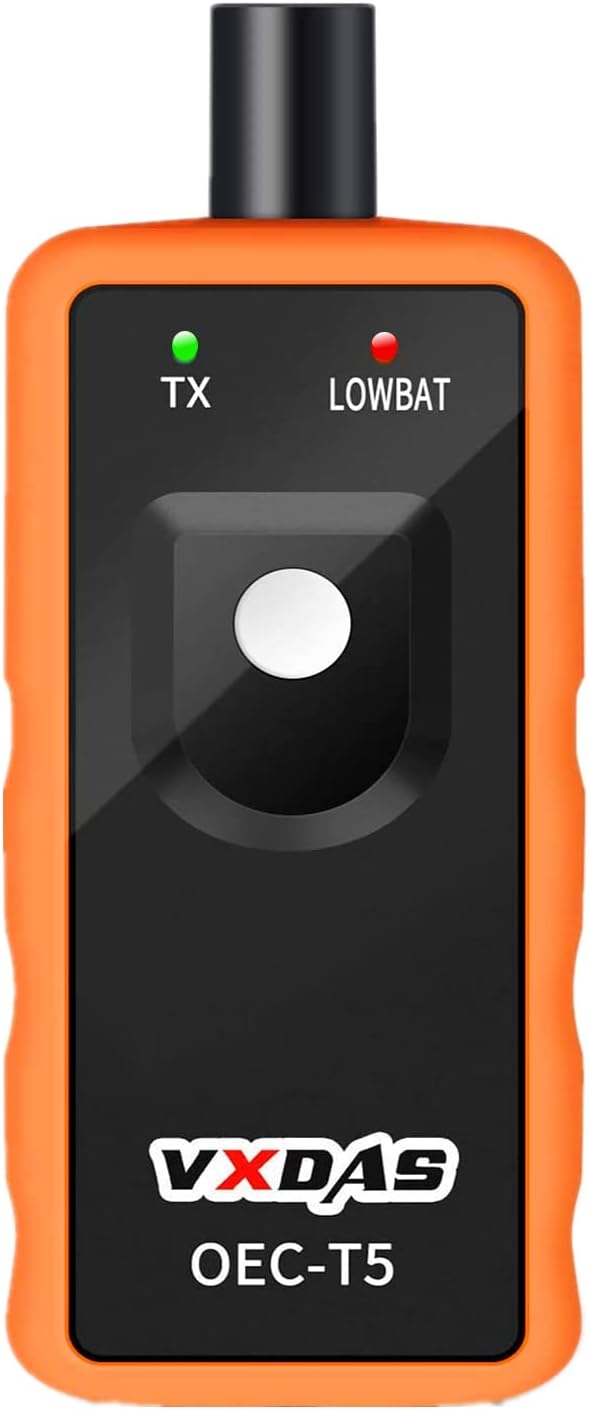
VXDAS TPMS Relearn Tool Only for GM Vehicles (2006-2024 Chevy/Buick/GMC/Opel/Cadillac) Original Sensor with 315/433 MHz, Tire Sensors Pressure Monitor System Reset Tool OEC-T5-2025 Edition
What this product is for
This tool is made to activate and relearn original OEM TPMS sensors on many GM models from roughly 2006 through 2024, supporting both 315 MHz and 433 MHz frequencies. You’ll use it after sensor replacement, tire service, or when clearing a TPMS warning light, so it keeps you from relying on dealer tools for basic relearns.
Who should consider it
If you own a Chevy, Buick, GMC, Opel, or Cadillac from the supported model years and the vehicle uses factory TPMS sensors (not an external or heavy truck system), this device is a practical accessory. You should have basic familiarity with putting your vehicle into TPMS learn mode, or be willing to follow a step-by-step guide.
Compatibility details
The VXDAS OEC-T5-2025 Edition emphasizes wide compatibility with GM vehicles from 2006 to 2024 that operate on 315 MHz or 433 MHz frequencies. It is not suitable for vehicles that have an external TPMS system, or for heavy trucks with more than four tires, so you must check your vehicle’s TPMS configuration before purchasing.
Frequency and sensor requirements
The tool supports the two common TPMS frequencies used by GM: 315 MHz and 433 MHz, which covers most factory sensors for the specified model years. You’ll need to use original OEM-style sensors that are programmed properly and in good working condition; aftermarket or dead sensors may not respond as expected.

How the tool works
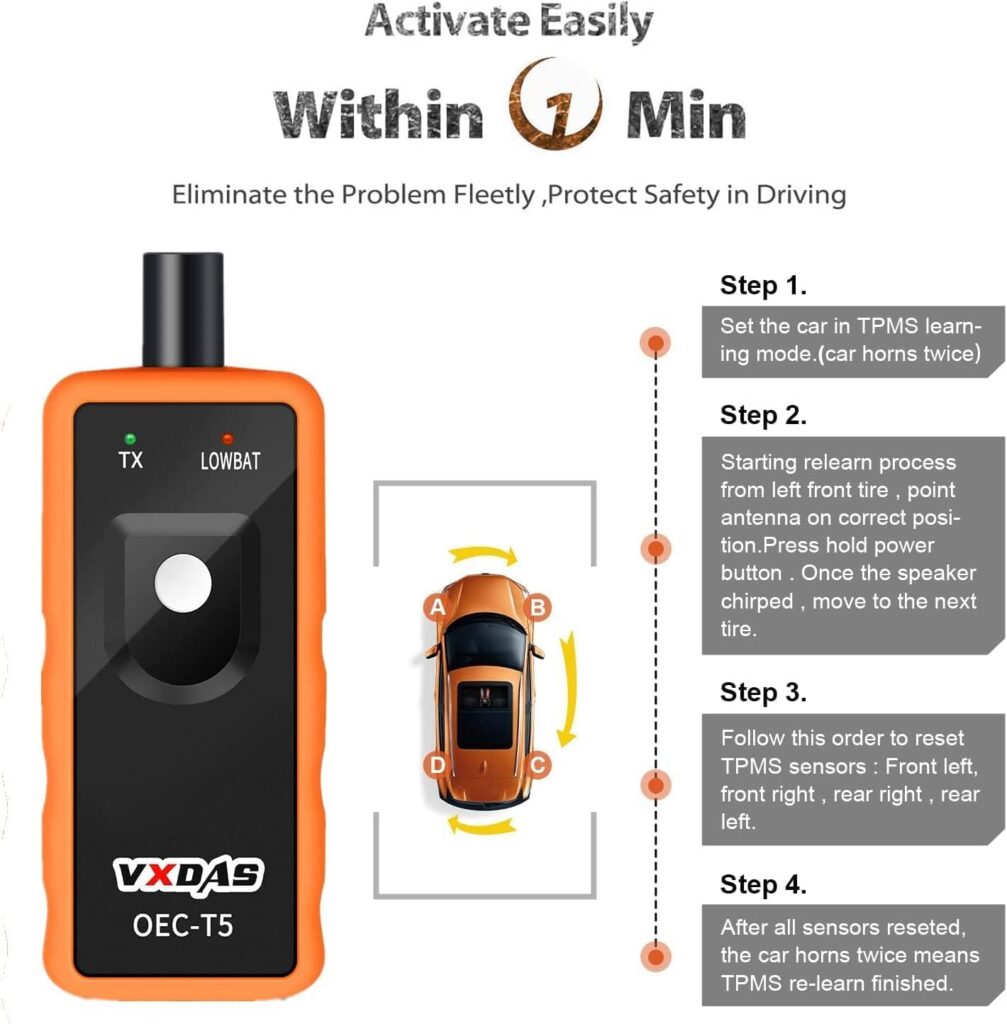
The device transmits a signal to activate the sensor while you place it near the valve stem and press the Learn button, mimicking the signal emitted during dealer procedures. You’ll put the vehicle into TPMS learn mode first, then trigger each sensor sequentially; the car recognizes the sensor IDs and stores them to complete the relearn process.
Basic step-by-step relearn process
You’ll first ensure the vehicle is in TPMS Learn Mode, which usually requires a specific sequence described by the vehicle manual or compatible guides. Next, hold the VXDAS tool against the tire sidewall near the valve stem and depress the Learn button; the sensor should respond within 1–2 minutes and the vehicle should successfully record the sensor’s ID.
What’s included and packaging
The package typically includes the VXDAS TPMS relearn tool only, with a user manual and any necessary basic accessories such as a wrist strap or protective cap if supplied by the seller. You should not expect replacement sensors, batteries beyond what’s pre-installed, or additional dealer-level adapters in this kit unless the listing specifies otherwise.
Specification table
| Feature | Details |
|---|---|
| Product name | VXDAS TPMS Relearn Tool OEC-T5-2025 Edition |
| Compatibility years | 2006–2024 (most GM vehicles) |
| Supported makes | Chevy, Buick, GMC, Opel, Cadillac, and more |
| Frequencies supported | 315 MHz and 433 MHz |
| Sensor requirement | Original OEM-style sensors, charged/functional |
| Not suitable for | Heavy trucks with >4 tires, external TPMS systems |
| Typical operation time | 1–2 minutes per tire to activate sensor |
| Key build aspects | Sensitive sensor chip, immersion gold circuit board |
| Primary function | Activate sensors and perform TPMS relearn/reset |
Build quality and hardware
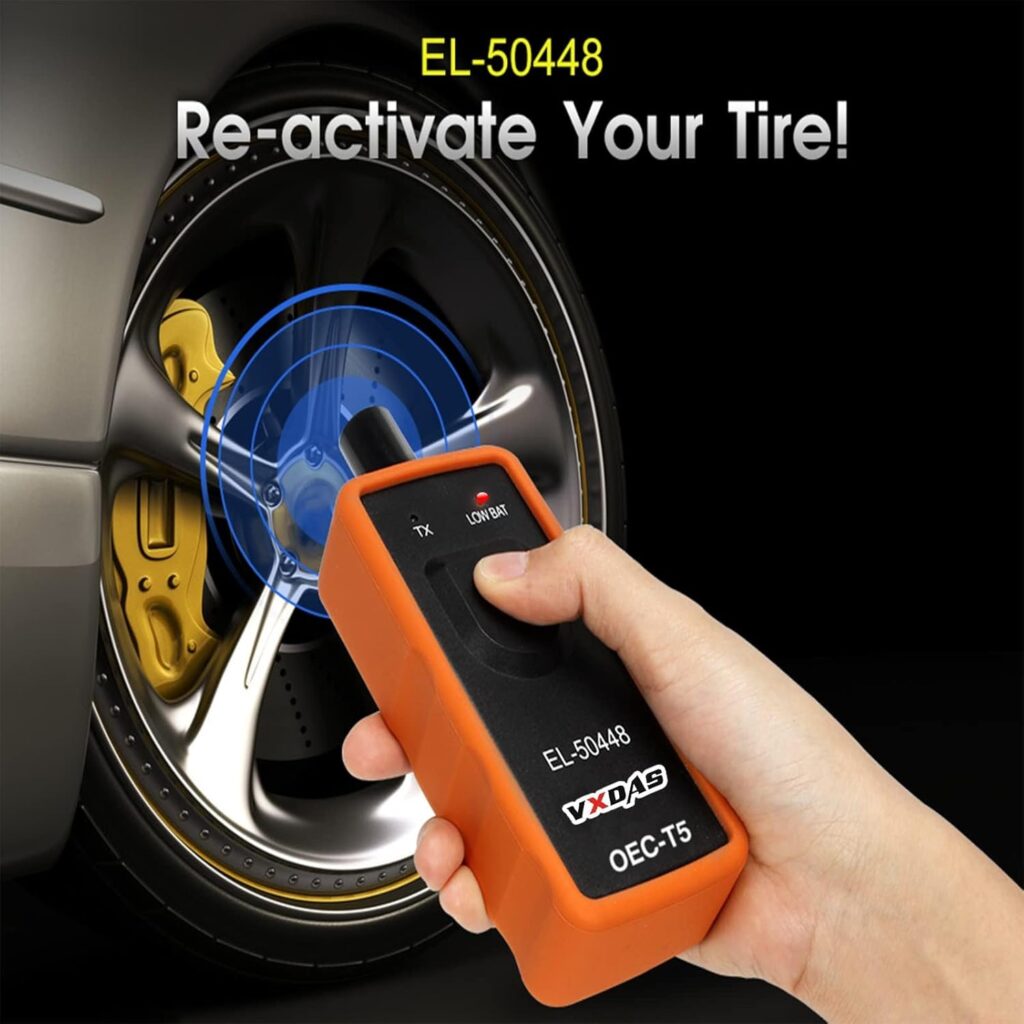
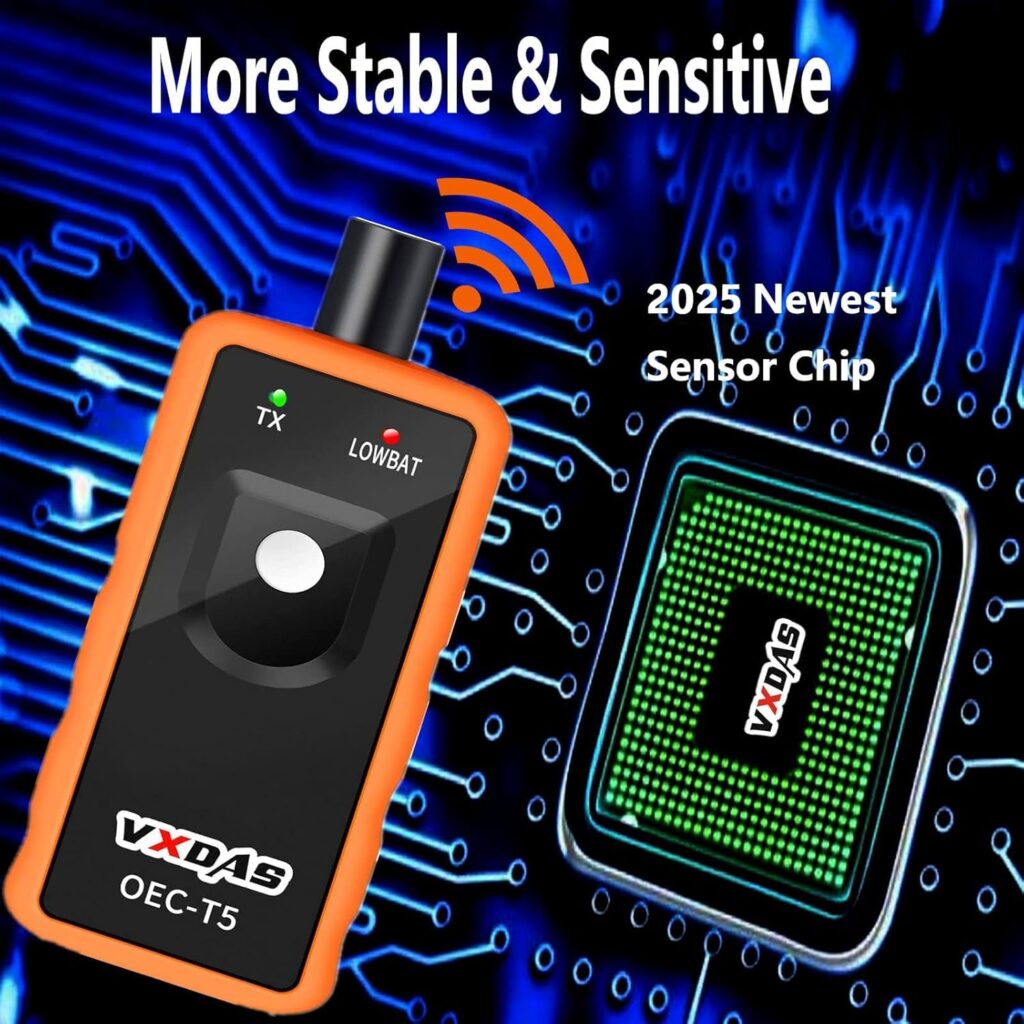
The tool is described as having an immersion gold process circuit board and a sensitive sensor chip to promote stability and quicker operations. You’ll notice a compact, handheld design meant to be used near the valve stem, built with the intention of durability and accuracy for frequent garage or DIY use.
User interface and controls
You’ll interact with a minimal interface — usually a single Learn button and possibly LEDs that indicate status or successful activation. Because the controls are straightforward, you won’t be juggling menus or complicated settings; your focus will be on positioning the tool properly and following the vehicle’s learn procedure.
Performance and speed
In practical use, this device activates sensors within about 1–2 minutes per tire in most compatible GM vehicles, allowing you to complete a four-wheel relearn in roughly 10–15 minutes depending on your comfort level. That speed is what saves you from trips to the dealer or tire shop for basic sensor activations.
Ease of use for beginners
If you’re comfortable following simple instructions and have a copy of the vehicle’s TPMS learn procedure (or a reliable online guide), you’ll find the tool approachable. You’ll still need patience the first few times to position the tool correctly and wait for the sensor to respond, but the process becomes repetitive and quick once you’ve done it twice or thrice.
Practical scenarios where it helps
You’ll use this tool when replacing one or more TPMS sensors after tire service, when swapping tires, or after sensor battery replacements (where sensors are serviceable). It’s also useful if the TPMS light appears after sensor work or if a sensor’s ID needs to be re-registered to the vehicle’s ECU.
Situations where it’s not suitable
The tool will not work for large commercial trucks with more than four tires, nor for vehicles that employ an external TPMS or a non-OEM sensor architecture. You should avoid relying on it if your vehicle’s sensors are aftermarket, uncharged, or physically damaged, because activation may fail or produce inconsistent results.
Common troubleshooting steps
If a sensor doesn’t respond, first verify the vehicle is in proper TPMS Learn Mode and the sensor is near full charge and not damaged. Next, reposition the tool directly over the valve stem, try a slow, steady press of the Learn button, and walk the process through again; if it still fails, confirm frequency and sensor compatibility and consult vehicle-specific guidance.
Battery and power considerations
Most of these handheld relearn tools use internal batteries that you’ll need to keep charged or replaced according to the maker’s instructions so you don’t run into power issues during a session. You should check the battery level sportedly before a project, because low power can cause weak transmission and failed activations that mimic other compatibility issues.
Tips for maximizing success
Always make sure your vehicle is correctly set to the TPMS Learn Mode before attempting the activation, as that is the most common user error. Hold the tool firmly against the tire sidewall close to the valve stem, keep the sensor upright, and allow a few seconds after activation for the car to register the sensor ID — patience during the sequence simplifies the process and reduces false failures.
Visual and tactile cues of success
You’ll typically see a confirmation on the dashboard — often a light cycle or a specific indicator — once the vehicle accepts a sensor’s ID. Some tools also incorporate LED feedback to tell you whether a transmission occurred, and the combination of tool LED and dashboard confirmation will tell you the relearn succeeded.
Comparing this tool to dealer tools
Dealer-level TPMS tools often have broader coverage, support additional programming for different aftermarket sensors, and integrate with proprietary software to read sensor IDs and diagnostic data. You’ll find the VXDAS OEC-T5-2025 Edition narrower in scope but far more affordable and portable for owner-level TPMS relearns when your vehicle fits the supported GM list.
Comparison with popular consumer alternatives
Consumer alternatives range from universal handheld relearners to plug-in OBD devices and mobile apps paired with Bluetooth hardware. You’ll prefer this VXDAS tool if your priority is a simple, direct relearn method for OEM sensors without extra bells and whistles; if you need advanced diagnostics, a more complex tool may be a better investment.
Pros (what you’ll like)
You’ll appreciate the unit’s simplicity, fast activation time, and targeted compatibility that reduces guesswork for GM vehicles. The durable circuit board and sensitive sensor chip are built to reduce failures from weak transmissions, and the lower cost compared to dealer visits provides clear value.
Cons (what to watch out for)
You’ll be limited by the tool’s narrow compatibility: it’s not meant for heavy trucks, external TPMS systems, or uncertain aftermarket sensors. If your sensors are dead, physically damaged, or not OEM-style, the tool may fail to activate them and you’ll need replacement sensors or a different device.
Who should not buy this
Don’t buy this if your vehicle uses an aftermarket TPMS system, has more than four tires, or uses sensors that weren’t originally factory-installed for GM models. If you require full diagnostic capabilities or the ability to program a wide variety of sensor types, a higher-end multifunction tool might be a better fit.
Maintenance and storage
Keep the device in a cool, dry place when not in use, and replace or recharge batteries as needed to maintain a strong transmission signal. Clean the contact area occasionally to ensure a good coupling with the tire sidewall and valve stem, and avoid dropping the unit to preserve circuitry and alignment.
Warranty and support considerations
Check the seller’s listing for warranty details and return policy, as coverage varies by vendor and region. You’ll want at least a limited warranty that covers manufacturing defects and guidance from the seller in case of compatibility questions, since TPMS behavior can vary across model years and trims.
Cost-effectiveness and value
For routine DIY users and independent garages dealing with GM vehicles, the VXDAS TPMS Relearn Tool offers clear savings compared to dealer charges for basic relearns. You’ll likely recoup the purchase cost after just one or two dealer visits avoided, which makes this an attractive one-time purchase for long-term use.
Safety and best practices
Always perform TPMS relearns when the vehicle is stationary and in a safe location, and follow the manufacturer’s guidelines for TPMS Learn Mode to prevent accidental vehicle movement. Maintain correct tire pressures and inspect tires visually before and after servicing, because TPMS is a safety system that complements — not replaces — routine visual and manual checks.
Frequently asked questions (short answers)
- Will this tool program aftermarket sensors? Generally no; it’s built to work with OEM-style sensors on supported GM models.
- What if a sensor is dead? You’ll need a replacement sensor with charge — the tool activates functioning sensors only.
- Can you use it on trucks with more than four tires? No, it’s not suitable for heavy trucks with more than four tires or external TPMS systems.
Real-world user expectations
You should expect a straightforward process in most compatible vehicles, with success coming quickly once you’ve practiced the sequence. Some models may need specific positioning or timing tweaks, but overall the tool reduces complexity and cost compared to dealer procedures.
Troubleshooting checklist (actionable)
- Verify vehicle is in TPMS Learn Mode.
- Confirm sensor compatibility and frequency (315/433 MHz).
- Hold the tool against the tire sidewall near the valve stem.
- Ensure the sensor is charged and not physically damaged.
- Replace or recharge tool batteries if signals seem weak.
Following this checklist should resolve a majority of activation issues you might encounter.
Final recommendation
If your vehicle is among the supported GM models and you prefer doing basic TPMS relearns yourself, the VXDAS TPMS Relearn Tool OEC-T5-2025 Edition is a solid, cost-saving choice. You’ll benefit from quick activations, durable construction, and the convenience of performing the work without the need to visit a dealer for simple relearns.
Additional tips to save even more time
Prepare your vehicle by consulting the owner’s manual for the exact TPMS Learn Mode steps and place the vehicle level in a safe, well-lit spot to ease access to valve stems. Have a small flashlight, a seat or stool, and a timer handy to keep the session organized and efficient.
Closing note on expectations
Manage expectations: this is a targeted tool meant for a clear purpose — activating and relearning OEM TPMS sensors on many GM vehicles — not a full diagnostic platform. If your needs match that purpose, you’ll find the tool delivers dependable relearns and tangible savings over dealer service for the supported model range.
Disclosure: As an Amazon Associate, I earn from qualifying purchases.